Nothing kills productivity faster than a lost charger or the sudden realization that your device refuses to turn on because of an incompatible power source. Using the wrong plug isn’t just an inconvenience; it is a gamble that can lead to overheated batteries, fried circuitry, and the frustration of ruining expensive electronics in seconds. This comprehensive guide will teach you exactly how to match voltage and amperage, understand safety certifications, and select the perfect ac dc 5v 2a usb power adapter for your specific needs. With over 20 years of manufacturing expertise, we decode the technical jargon so you can power up with absolute confidence.
1. What Are the Basics of an AC DC 5V 2A USB Power Adapter?
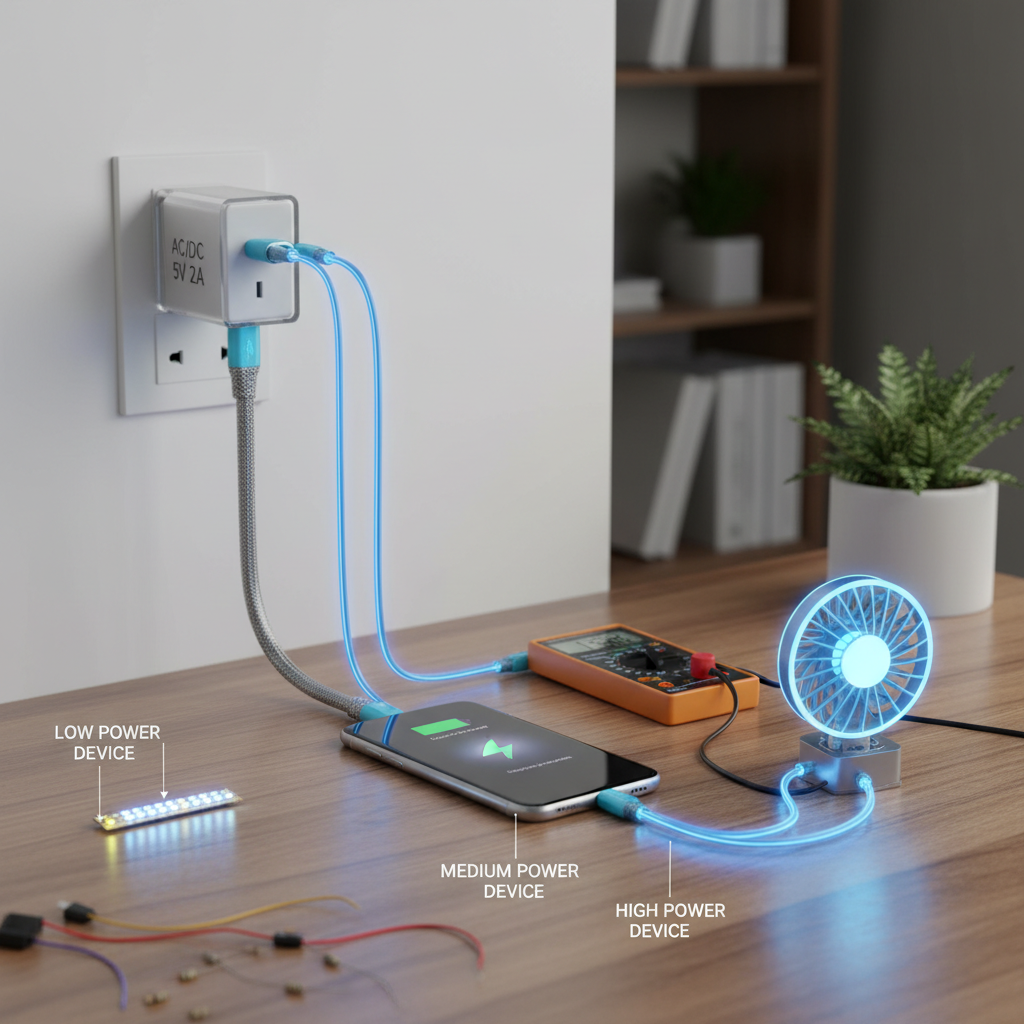
The basics revolve around understanding the “Holy Trinity” of power specs: Voltage (V), Amperage (A), and Wattage (W), specifically how they apply to common 5V 2A standards. Think of electricity flowing into your device like water flowing through a pipe. Voltage is the water pressure pushing the flow, while Amperage is the volume of water flowing through the pipe. If the pressure (Voltage) is too high, the pipe bursts; if the flow (Amperage) is too low, you can’t fill your bucket fast enough.
For many small electronics like security cameras, older smartphones, and IoT hubs, a standard USB charger is the industry standard. This specification provides a steady 5-volt pressure with a current flow of up to 2 amps. Wattage is simply the product of these two figures—Volts multiplied by Amps. Therefore, a 5V 2A adapter provides 10 Watts of power. You might be wondering… why does this specific combination matter so much? It strikes the perfect balance for universal USB compatibility, offering enough power to charge devices relatively quickly without generating the excessive heat associated with higher wattage fast chargers.
Key Power Terminology
| Term | Definition | Why It Matters | |
|---|---|---|---|
| AC (Alternating Current) | Electricity that reverses direction, coming from wall outlets. | Your wall socket provides AC, typically 100V-240V. | |
| DC (Direct Current) | Electricity flowing in one direction, used by batteries/electronics. | Your phone needs DC. The adapter converts AC to DC. | |
| Regulated Output | Voltage remains constant regardless of the current drawn. | Prevents voltage spikes that damage sensitive chips. | |
| Polarity | The direction of the positive and negative connection. | Reversing polarity can instantly fry a device. |
2. Why Does Using the Wrong Charger Pose Hidden Dangers?
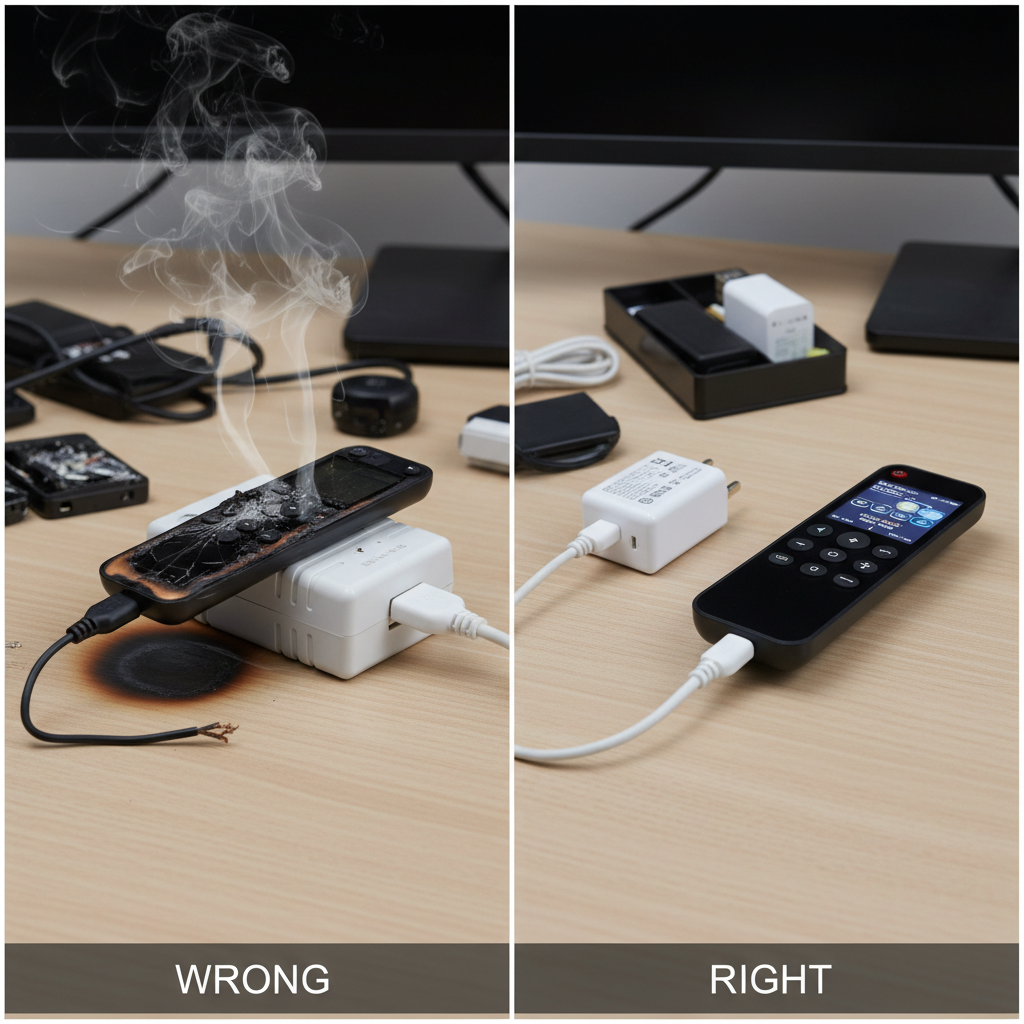
Incorrect chargers can cause catastrophic failures ranging from battery degradation to actual fire hazards due to a lack of safety protocols. When you plug a device into a charger with higher voltage than required—for example, plugging a 5V device into a 12V adapter—the result is often instant and permanent damage. The internal circuits are overwhelmed by the electrical pressure, leading to blown capacitors and “fried” electronics. Conversely, Undervoltage (too little pressure) might seem safer, but it causes the device to struggle, charge excruciatingly slowly, or not function at all, putting unnecessary strain on the battery life cycle.
The dangers escalate when using cheap, generic replacements. A high-quality power adapter includes isolation components that keep the dangerous high-voltage AC current from the wall separated from the low-voltage DC output you touch. But here is the scary part… many uncertified knock-offs skip these critical safety layers to save pennies. This can lead to thermal runaway, where the heat generated by the adapter increases uncontrollably until the plastic casing melts or ignites. If you ever detect a burning plastic smell or notice your adapter is too hot to hold, disconnect it immediately.
Risk Assessment Table
| Hazard Type | Cause | Consequence | |
|---|---|---|---|
| Overvoltage | Input voltage exceeds device limit (e.g., 12V into 5V). | Instant circuit destruction, smoke, fire risk. | |
| Overcurrent | Drawing more amps than the adapter can handle. | Adapter overheats, potentially melts or fails. | |
| Poor Insulation | Lack of safety barriers inside the adapter. | Shock hazard to the user, potential electrocution. | |
| Ripple Noise | Unstable DC output from cheap components. | Touchscreen ghosts touches, battery lifespan reduction. |
3. How Do You Identify Your Device’s Exact Power Needs?
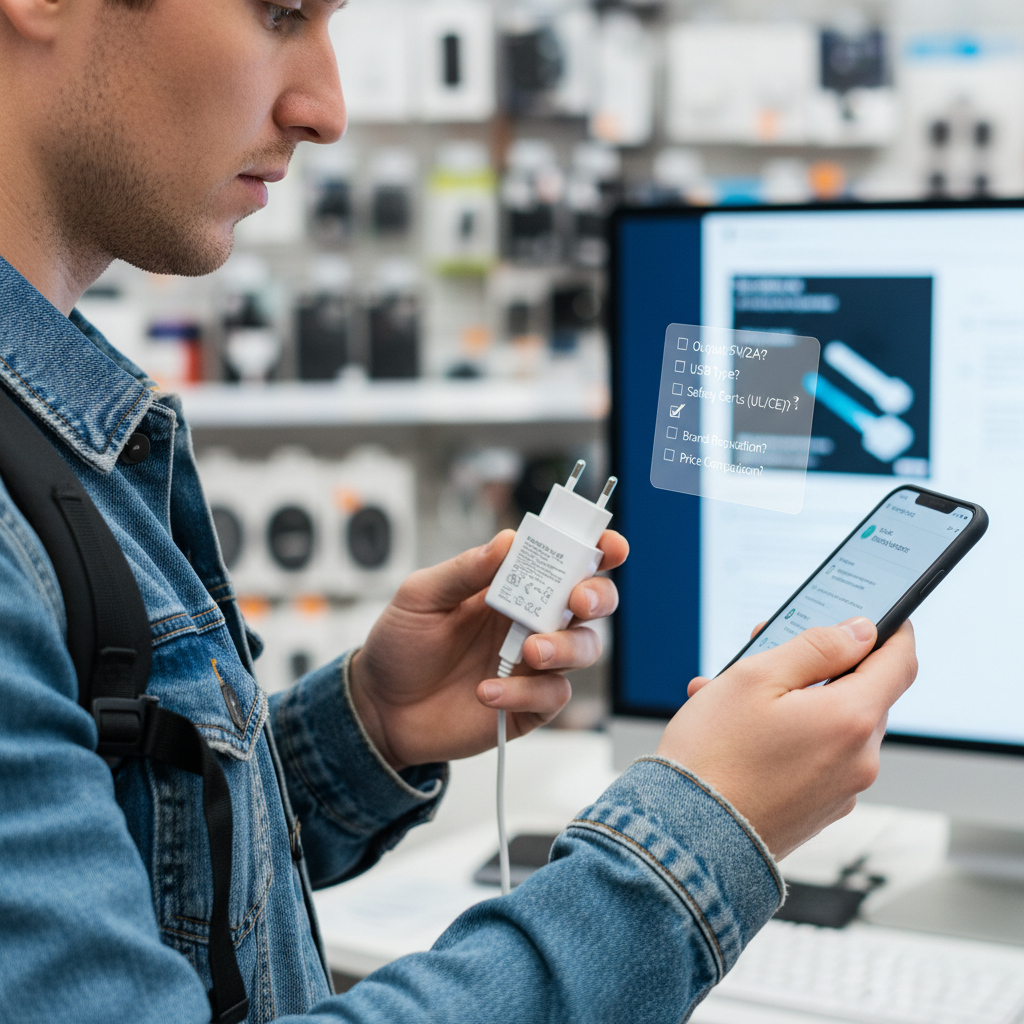
You identify needs by locating the “Input” specification on your device or its original manual, specifically looking for the “V” (Voltage) and “A” (Amperage) values. This information is almost always printed in tiny text on the back, bottom, or near the charging port of your electronics. For example, a wireless router might say “Input: 12V 1A,” while a smart speaker might read “Input: 5V 2A.” If you have lost the original charger, these numbers are your roadmap to finding a safe replacement. Do not guess; accurate identification is critical for performance.
Sometimes, a device might only list Wattage (W). In this case, you can calculate the missing variable using the formula: Watts / Volts = Amps. If a device says “10W Input” and uses a standard USB connection (which is always 5V), you know you need a 2A adapter (10W / 5V = 2A). When looking for custom power solutions , ensure the output of the new charger matches the input requirement of the device exactly regarding voltage. Here is the deal… getting this wrong is the most common reason for device failure, so grab a magnifying glass if you have to.
Common Device Power Requirements
| Device Category | Typical Voltage | Typical Amperage | Connector Type | |
|---|---|---|---|---|
| Smartphone | 5V | 1A – 3A | USB-C / Lightning | |
| Tablet | 5V | 2A – 2.4A | USB-C / Lightning | |
| Wireless Router | 12V | 1A – 2A | DC Barrel Jack | |
| IoT / Security Cam | 5V | 1A – 2A | Micro-USB | |
| Laptop | 19V – 20V | 3A – 5A | USB-C / DC Barrel |
4. What Ensures Your AC DC 5V 2A USB Power Adapter Works?
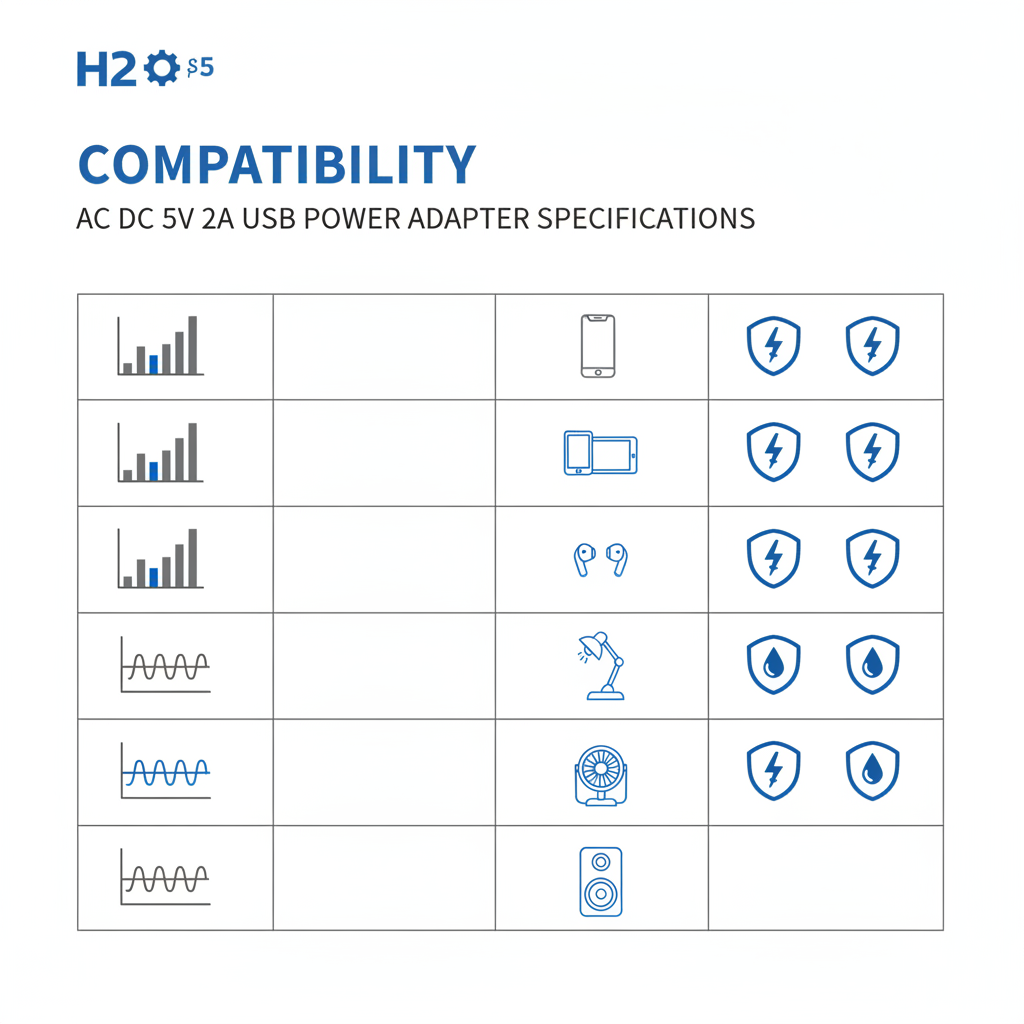
Compatibility is ensured by matching the voltage precisely, meeting or exceeding the amperage requirement, and verifying the connector polarity and physical fit. The most misunderstood rule of electricity is the “Amperage Rule.” You must match the voltage exactly (5V charger for a 5V device), but you can—and often should—use a charger with higher amperage. A device that needs 1A will safely draw only 1A from a 2A or even a 3A charger. The adapter provides the capacity; the device takes what it needs. Using a charger with lower amperage than required, however, is dangerous as it forces the adapter to run at 100% capacity, leading to overheating.
Furthermore, physical connection matters immensely. Even if the electrical specs of your adapter are perfect, it is useless if the plug does not fit the port securely. For barrel connectors, you must match the outer and inner diameters. For USB adapters, ensure the cable seats firmly. It boils down to this… if you have the right voltage, enough amps (equal or higher), and the correct plug, your device will function perfectly.
The Compatibility Checklist
| Specification | Rule | Consequence of Failure | |
|---|---|---|---|
| Voltage (V) | MUST MATCH EXACTLY | Too high = fried device. Too low = won’t work. | |
| Amperage (A) | MUST BE EQUAL OR HIGHER | Too low = adapter overheats/burns out. | |
| Polarity | MUST MATCH EXACTLY | Reversed polarity damages circuitry instantly. | |
| Connector | MUST FIT SECURELY | Loose connection causes arcing or power loss. |
5. Do You Need Different Plug Types for International Travel?

Yes, physical outlets vary globally, but most modern power adapters are “switching” types that handle 100V-240V, requiring only a plug converter rather than a voltage transformer. When you examine the label of a high-quality interchangeable adapter , you will typically see “Input: 100-240V ~ 50/60Hz.” This indicates the internal circuitry can automatically adjust to the 110V grid in the United States or the 230V grid in Europe without blowing up. This feature is a lifesaver for travelers.
However, just because the voltage is compatible doesn’t mean the prongs will fit the wall. The US uses flat parallel pins (Type A), while Europe uses round pins (Type C), and the UK uses three rectangular pins (Type G). Instead of carrying a bag full of distinct chargers, many professionals now opt for adapters with interchangeable heads. Better safe than sorry… never assume an older adapter is universal voltage. Always read the label before plugging a US device into a European outlet, or you risk a loud pop and a cloud of smoke.
Global Plug Types Guide
| Region | Plug Type | Characteristics | |
|---|---|---|---|
| North America / Japan | Type A / B | Two flat parallel pins (ground pin on Type B). | |
| Europe (Most) | Type C / E / F | Two round pins. | |
| UK / Hong Kong | Type G | Three rectangular pins in a triangle pattern. | |
| Australia / China | Type I | Two flat pins in a V-shape. |
6. Is USB-C and GaN Technology the Future of Charging?
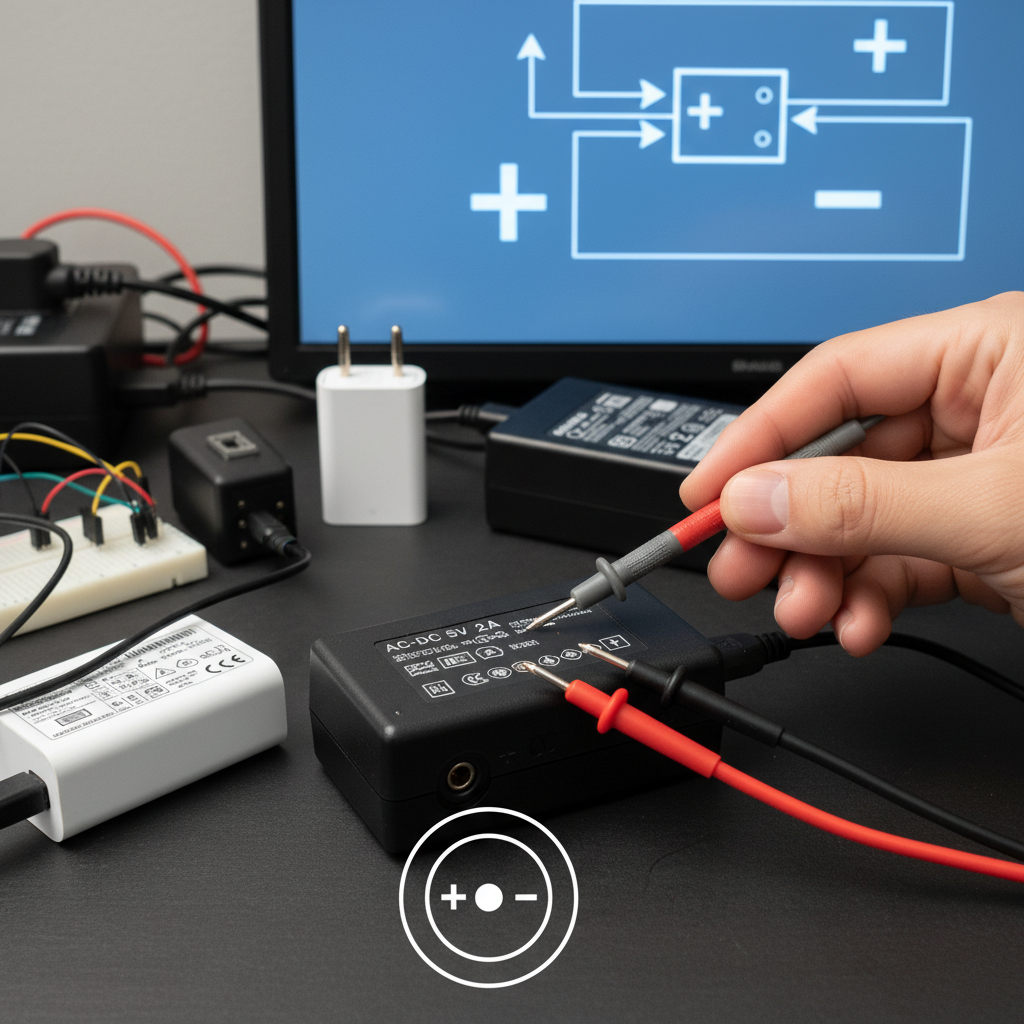
Absolutely; Gallium Nitride (GaN) allows for smaller, cooler, and faster chargers, while USB-C standardizes the connection across almost all devices. Traditional adapters use silicon components, which have limitations regarding heat and size. GaN replaces silicon, allowing components to be packed closer together without overheating. This means a modern power adapter can be significantly smaller than its predecessors while delivering cleaner, more efficient power. This technology is revolutionizing how we pack and travel with tech.
USB-C compliments this by offering a universal port that supports USB Power Delivery (PD). PD is a smart protocol where the charger and device “talk” to each other to negotiate the best voltage and current. While a standard 5V 2A charger is great for basic needs, a PD charger can scale up to 20V to charge a laptop or scale down for headphones. Here is the kicker… this universal standard reduces e-waste significantly, as one high-quality charger can now power your phone, laptop, and tablet effectively.
Silicon vs. Gallium Nitride (GaN)
| Feature | Traditional Silicon Charger | Modern GaN Charger | |
|---|---|---|---|
| Size | Bulky, requires space for heat dissipation. | Compact, high power density. | |
| Heat Efficiency | Generates significant waste heat. | Runs cooler, wastes less energy. | |
| Charging Speed | Limited by thermal constraints. | Supports high-speed, high-wattage charging. | |
| Portability | Heavy and cumbersome. | Lightweight and pocket-friendly. |
7. How Can You Match Barrel Connectors and Cable Types?
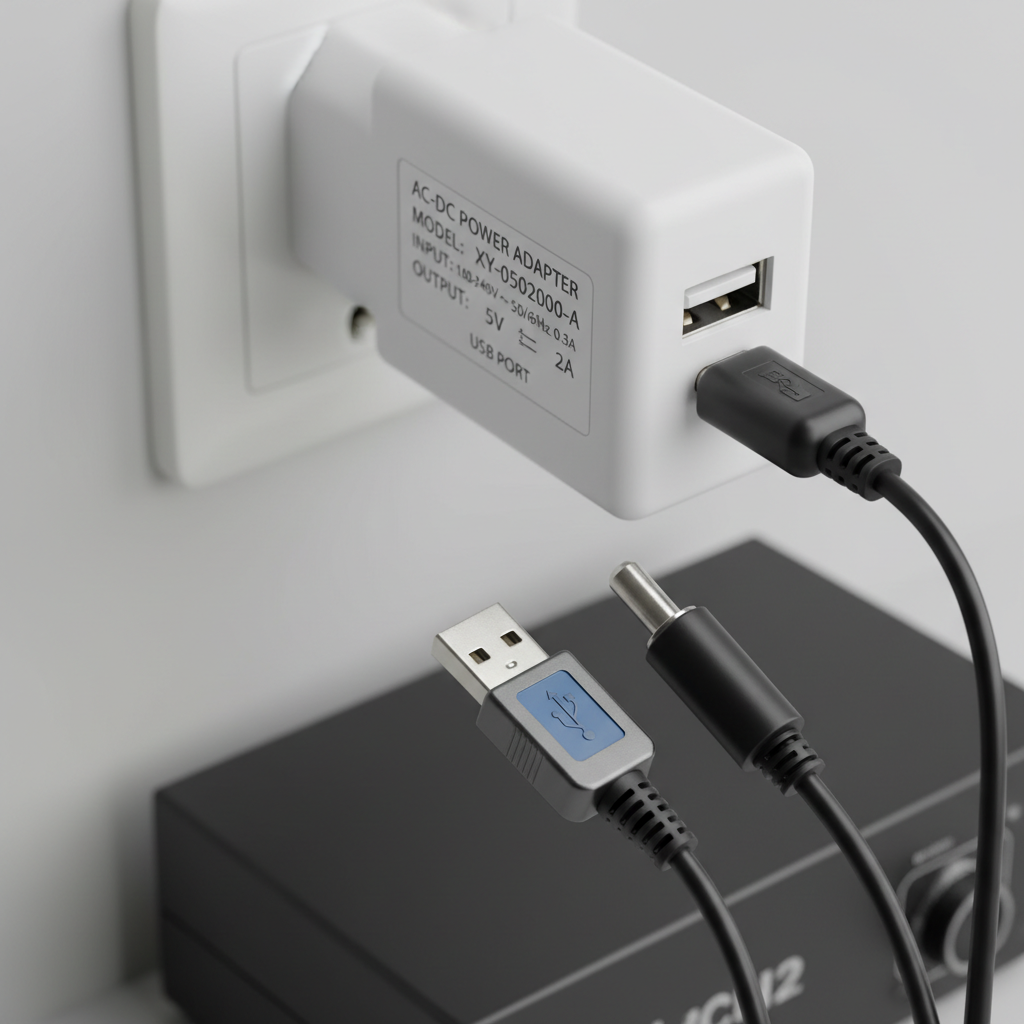
Matching involves measuring the outer and inner diameters of the plug (e.g., 5.5mm x 2.1mm) and ensuring the USB cable supports the required current. While USB is standard, many 5V devices like LED strips, routers, or toys use cylindrical “barrel jacks.” These are notoriously difficult to match because they look similar but vary by fractions of a millimeter. The standard format is Outer Diameter (OD) x Inner Diameter (ID). A 5.5mm x 2.1mm plug is the most common for a desktop adapter , but a 2.5mm ID plug won’t make contact, leading to intermittent power issues.
Furthermore, polarity is critical for barrel jacks. The label will show a diagram indicating whether the center pin is positive (+) or negative (-). Most consumer electronics are Center Positive, but music equipment often uses Center Negative. Don’t make this mistake… simply guessing based on size can reverse the current flow and destroy the device. Additionally, the cable quality matters. Thin, cheap cables have high resistance, causing “voltage drop.” By the time the power reaches your device, 5V might drop to 4.5V, causing charging failures. Always look for cables with a substantial AWG rating (lower number = thicker wire) for 2A charging.
Common Barrel Connector Sizes
| Size (OD x ID) | Common Applications | Note | |
|---|---|---|---|
| 5.5mm x 2.1mm | CCTV, LED Strips, Arduino | The industry standard for 12V and 5V. | |
| 5.5mm x 2.5mm | Routers, Monitors | Often confused with 2.1mm; check carefully. | |
| 3.5mm x 1.35mm | USB Hubs, Small Electronics | Very common for 5V devices. | |
| 4.0mm x 1.7mm | Sony PSP, some TV boxes | distinct yellow tip usually. |
8. Where Should You Buy Reliable Power Adapters Online?
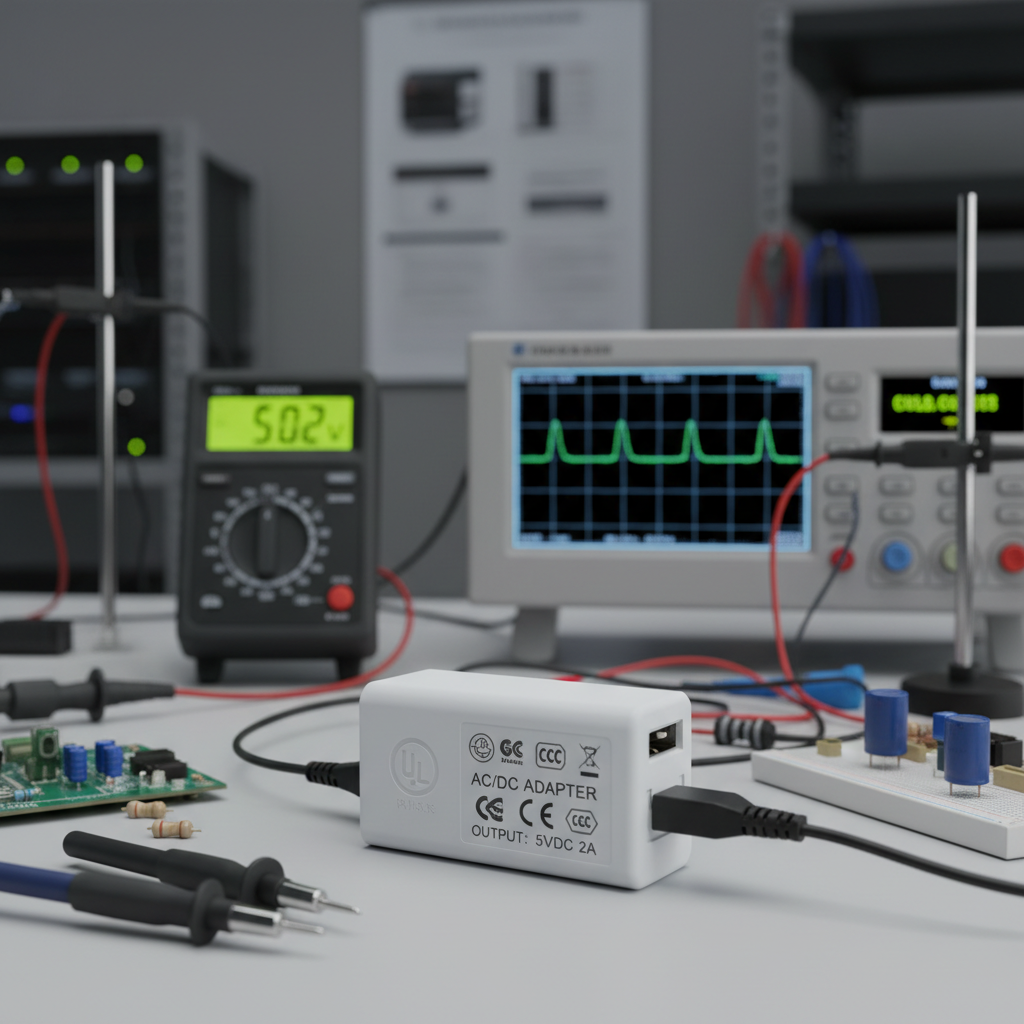
Purchase from reputable manufacturers or authorized distributors who provide warranty support and safety certifications, avoiding “too good to be true” marketplace deals. The internet is flooded with dangerous counterfeit adapters that look identical to branded ones on the outside but lack essential safety components inside. These fakes are often surprisingly light because they are missing heat sinks and shielding. Buying a certified adapter directly from an established OEM/ODM like Merryking ensures you are getting a product that has passed rigorous testing standards like UL, CE, FCC, and RoHS.
When shopping, inspect the seller’s information carefully. Look for a verifiable business address and clear contact information. Check the product photos for certification marks—if they are photoshopped or missing, steer clear. Think about it… is saving two dollars on a generic charger worth the risk of a house fire or ruining a $1,000 smartphone? Reliable manufacturers back their products with warranties and technical support, providing peace of mind that a random marketplace seller cannot offer.
Safe Buying Checklist
| Checkpoint | What to Look For | Warning Sign | |
|---|---|---|---|
| Certifications | UL, CE, FCC, GS logos printed clearly. | No logos or misspelled marks (e.g., “C E” distance). | |
| Weight | Feels solid and substantial. | Feels hollow, extremely light, or rattles. | |
| Price | Reasonable market price (20+). | Extremely cheap (3) for “genuine” parts. | |
| Seller | Manufacturer direct or authorized dealer. | Random string of letters as seller name. |
9. Can You Use One Adapter for Multiple Electronic Devices?
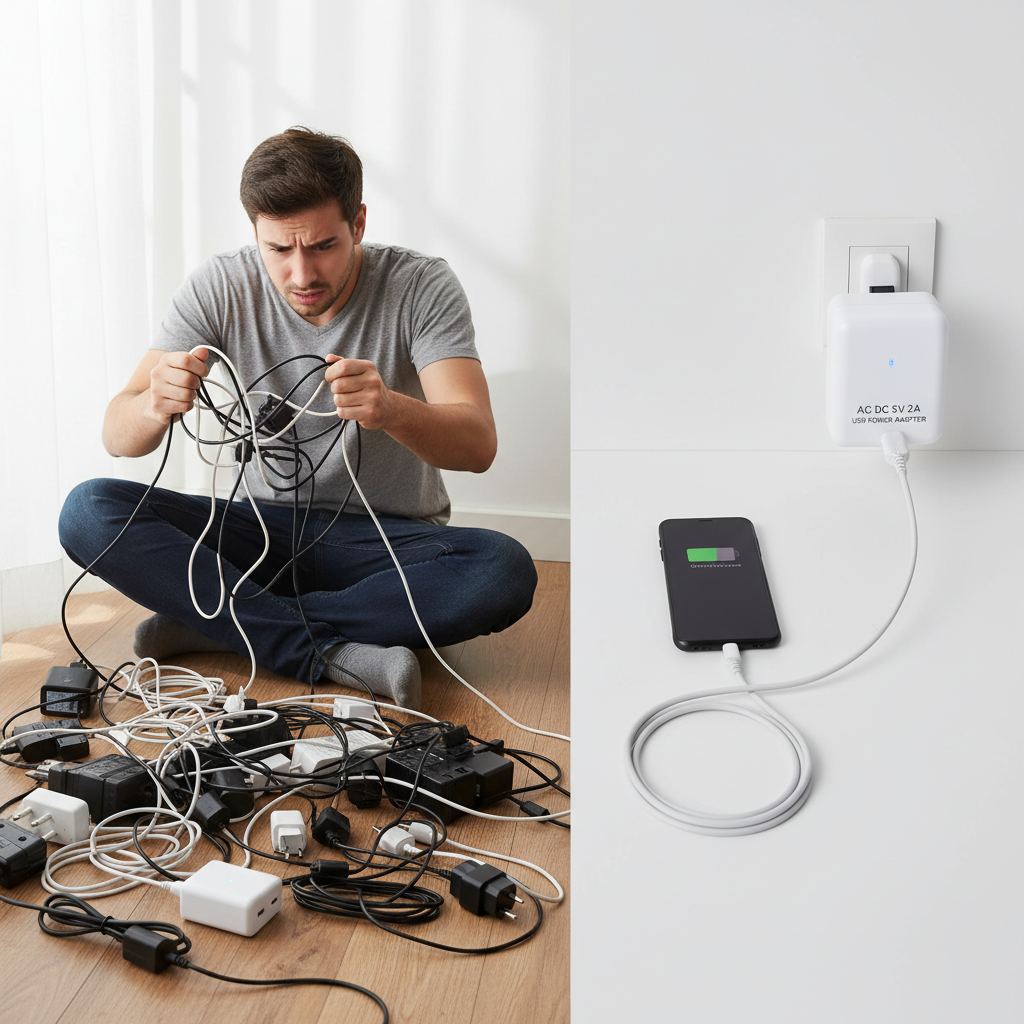
Yes, a high-quality multi-port adapter with smart IC technology can safely power multiple devices by dynamically distributing the load. Modern charging bricks act as intelligent power management systems. When you plug in a phone and a tablet, the adapter’s internal chip calculates the maximum safe current for each device and splits the total power accordingly. For example, a dual USB A charger with a total output of 5V 3A might send 2A to a tablet and 1A to a phone simultaneously.
This technology allows you to declutter your desk or travel bag significantly, replacing three separate bricks with one. However, you must understand the “Total Output” limitation. Ready for the best part? High-end chargers have independent circuits, meaning the speed of one port doesn’t slow down the other. Cheaper models share the current, so if you plug in two hungry devices, both might charge slowly. Always check if the amperage rating is “per port” or “total shared” to ensure your specific charging needs are met.
Single vs. Multi-Port Comparison
| Feature | Single Port Adapter | Multi-Port Adapter | |
|---|---|---|---|
| Speed | Dedicated full speed for one device. | Speed may drop if multiple devices connect. | |
| Size | Smallest footprint. | Slightly larger, but replaces multiple units. | |
| Heat | generally runs cooler. | Can get warm under full load. | |
| Convenience | One device per outlet. | Charges 2-4 devices from one outlet. |
10. How Do You Extend the Lifespan of Your Power Adapter?
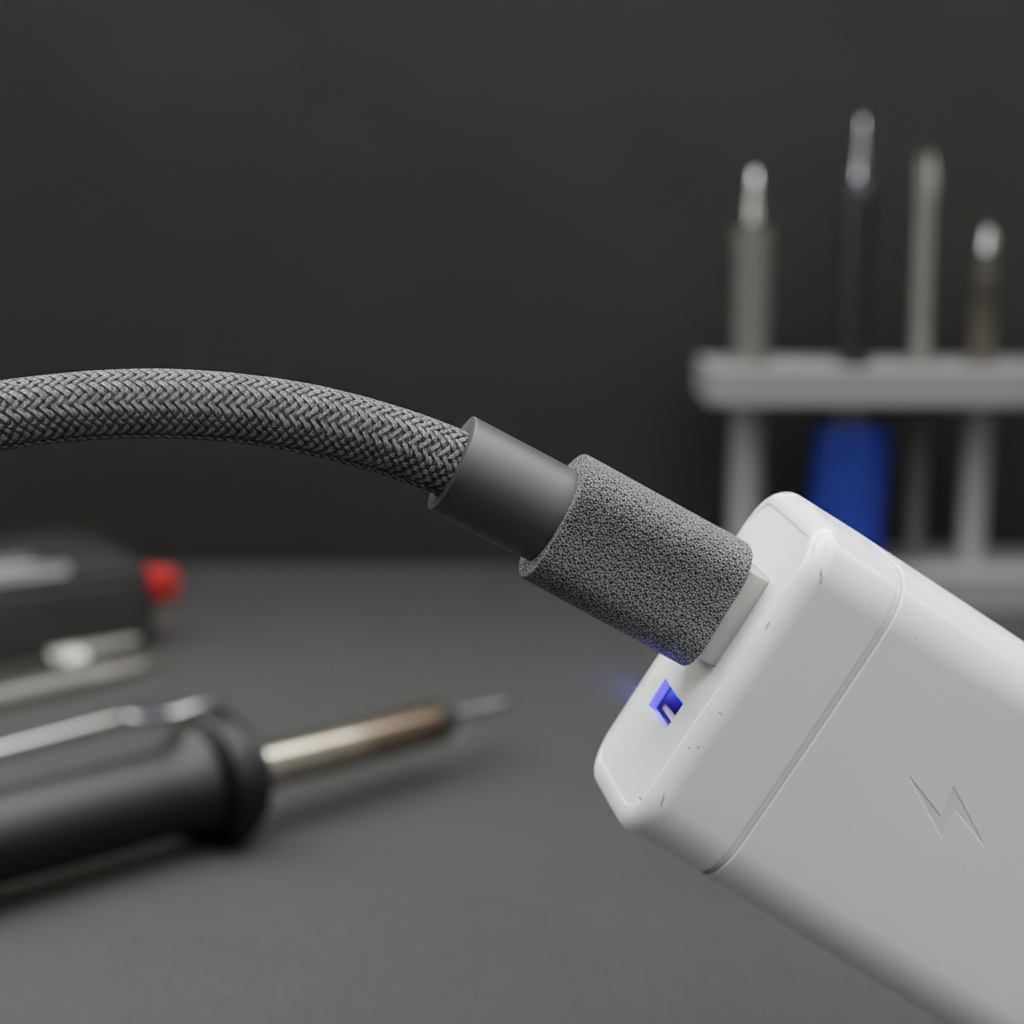
Longevity is achieved by proper cable management, avoiding extreme temperatures, and unplugging the device when not in use to prevent capacitor wear. The number one killer of power adapters is cable fraying, caused by wrapping the cord tightly around the brick. This strains the internal copper wires until they break. Instead, use the “over-under” coiling method or secure cables with velcro ties to minimize tension. A well-maintained adapter can easily last five years or more.
Environmental factors also play a huge role. Electronics hate heat and moisture. Charging your phone under a pillow traps heat, cooking the adapter’s internal components. Similarly, using a non-waterproof adapter in a humid bathroom accelerates corrosion. Keep this in mind… if your adapter starts making a high-pitched whining noise (coil whine) or charging becomes intermittent, the internal components are failing. Replace it immediately rather than waiting for a complete failure that could surge power to your device.
Adapter Care Do’s and Don’ts
| Do | Don’t | |
|---|---|---|
| Do unplug by pulling the plug head, not the cable. | Don’t wrap the cable tightly around the adapter body. | |
| Do keep the adapter in a well-ventilated area. | Don’t leave it charging under blankets or pillows. | |
| Do inspect for exposed wires or cracks regularly. | Don’t use it if the casing is cracked or loose. | |
| Do use a surge protector for valuable electronics. | Don’t force a connector into a port that doesn’t fit. |
Frequently Asked Questions
Q1: Can I use a 5V 3A adapter for a device that requires 5V 2A?
Answer: Yes, absolutely. The device controls the current draw. It will only take the 2A it needs from the 3A available. Using a higher amperage rating provides a safety margin and runs cooler, whereas using a lower rating (like 1A) would cause the adapter to overheat and charge slowly.
Q2: Is it safe to leave my AC DC 5V 2A USB power adapter plugged in when not in use?
Answer: Generally, yes, for high-quality modern adapters. However, it still draws a tiny amount of “vampire power” and keeps internal components under slight stress. For maximum safety and energy efficiency, it is best practice to unplug it or switch off the power strip when you are away for extended periods.
Q3: What is the difference between a cheap charger and a certified one?
Answer: Certified chargers undergo rigorous testing for safety, interference, and efficiency. Cheap, uncertified adapters often lack isolation between high voltage (AC) and low voltage (DC), meaning a component failure could send dangerous electricity directly into your phone or even cause a fire.
Q4: My adapter gets warm while charging; is this normal?
Answer: Mild warmth is completely normal during the energy conversion process. However, if the adapter is too hot to touch comfortably, smells like burning plastic, or shows discoloration, it is defective or overloaded. Stop using it immediately to prevent damage to your device.
Q5: Can I use a US power adapter in Europe with just a plug converter?
Answer: Only if the label says “Input: 100-240V.” Most modern adapters are universal voltage. However, if the label says “Input: 110V” (common in older electronics), plugging it into a 220V European outlet will instantly destroy the adapter and possibly the device. Always check the label first.
Conclusion
Finding the right power solution doesn’t have to be a guessing game. By understanding the basics of voltage and amperage, and prioritizing safety certifications, you ensure your devices perform at their peak for years to come. Whether you need a standard 5V adapter or a high-speed GaN charger, quality should always be your top priority.
Ready to power up safely?Explore our full range of certified power solutions at Merryking. From robust industrial adapters to sleek consumer chargers, we have the expertise to keep you connected. Contact us today for a quote or to discuss your custom power requirements.